How to import companies
In the companies tab click the commands button on top right. Then select Import.
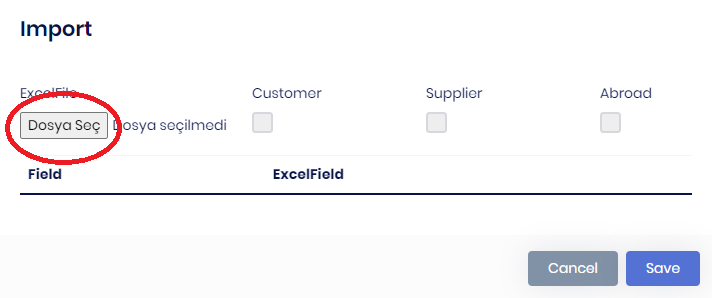
Click the "Dosya Seç" button then navigate to your excel file. (When importing companies if you have customers and suppliers you must make them two seperate excel files then import one by one.)
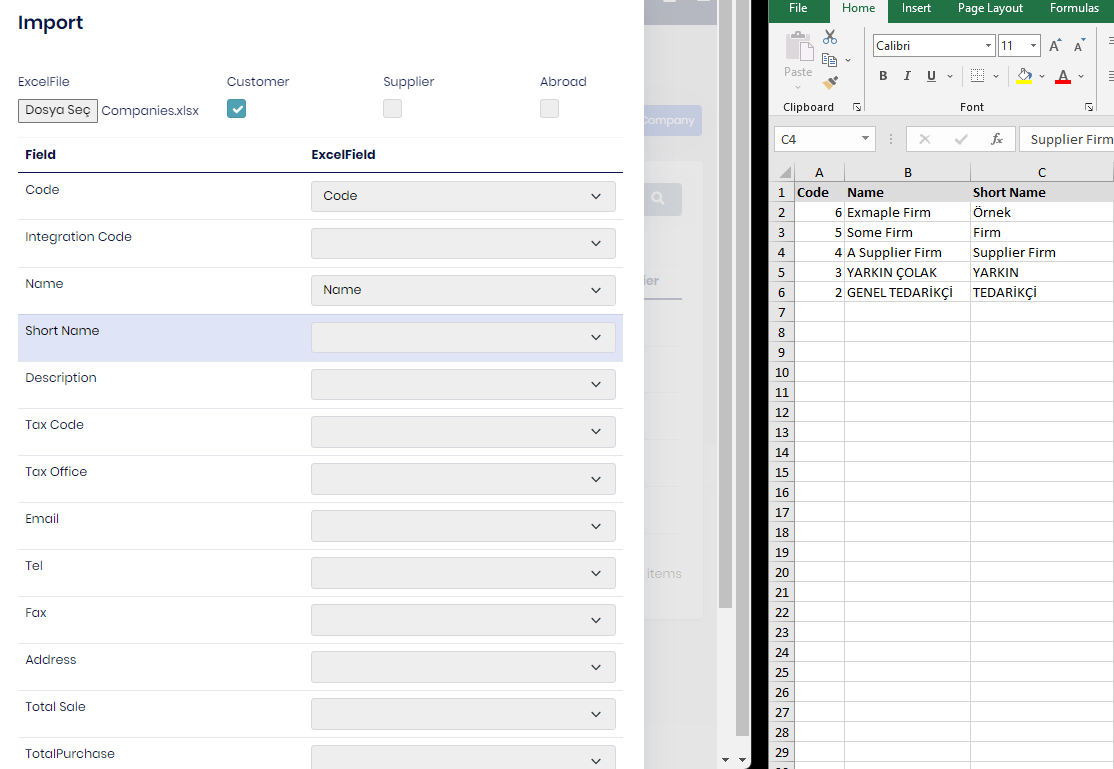
After Selecting your excel file, fields in the company entities will come and you must match them with the fields on your excel files fields.Then press save and wait for companies to be created. (Code and Name field must be unique for every entry.)