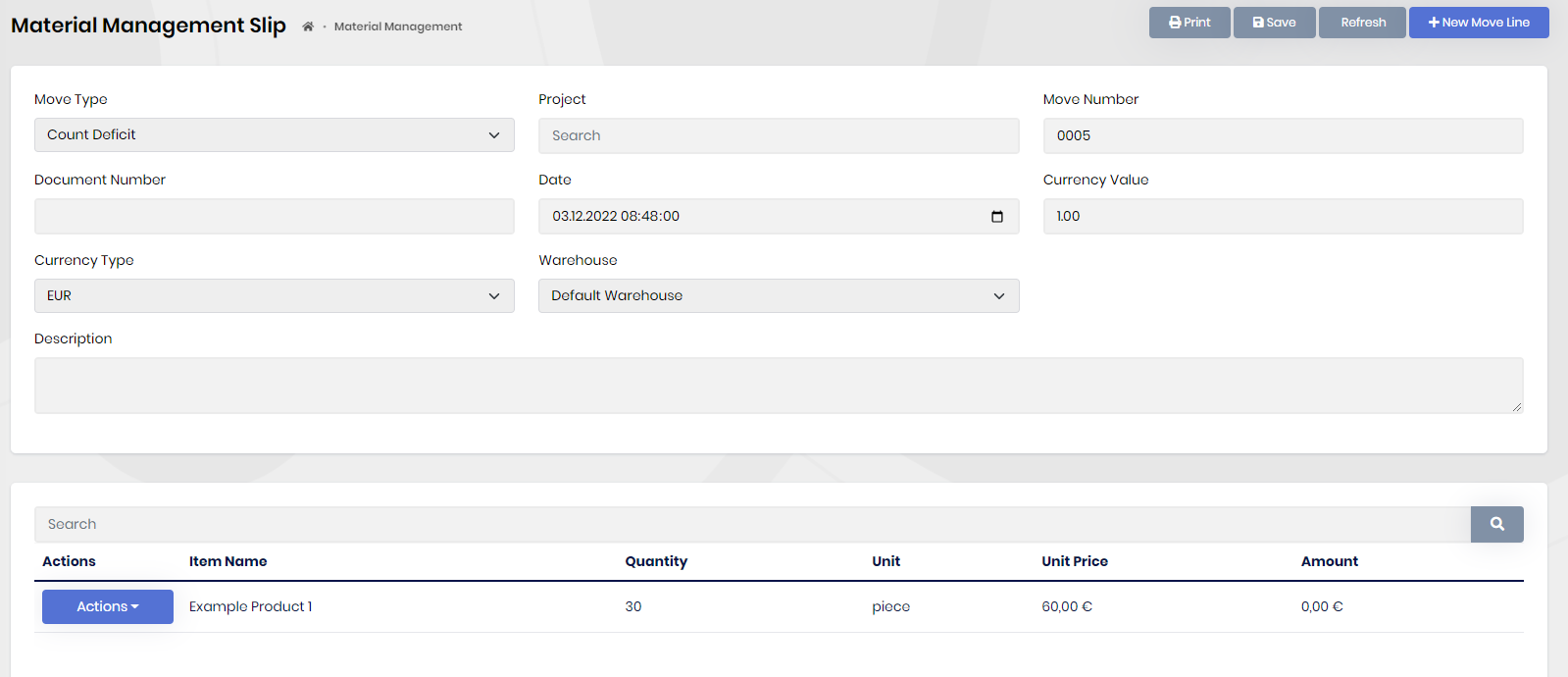
Count Slips
Count slips are a fast way to insert count deficit and count excess slips.
Lets say we got 30 example product 1 in our warehouse.But Pdm is not aware of that.

After entering the item in the count slips tab, the current quantity of the selected item will be shown in the quantity section.
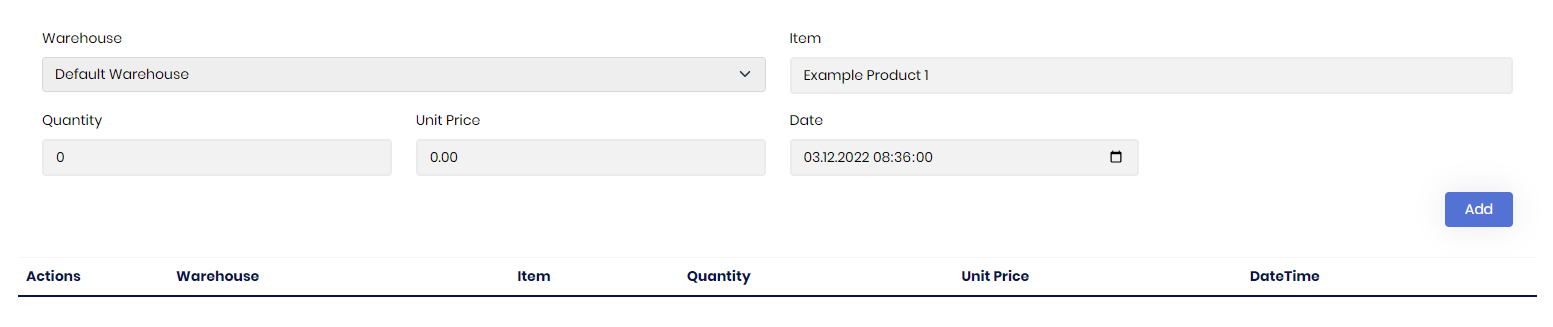
We can change it to the quantity we want also we can specify a date or if we want it to have a price we can do that too.

After doing it for all the items needed click save in the top left corner to save it.
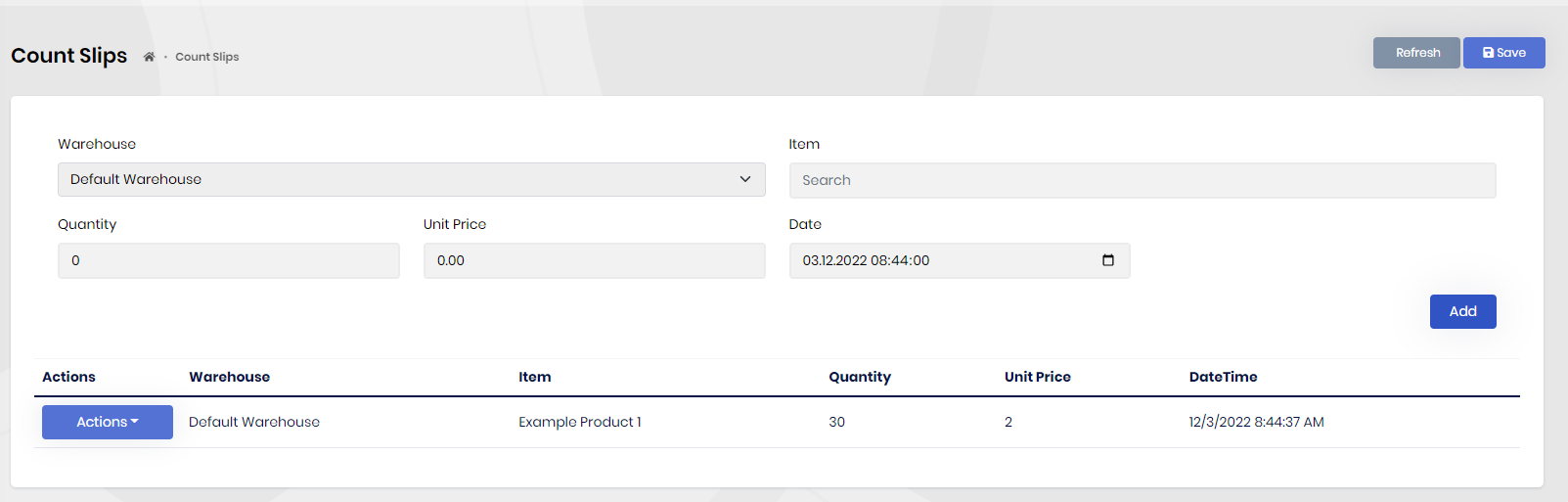
What count slips essentially does is creating material management slips for all the items we entered. The number of slips opened may Differ.